


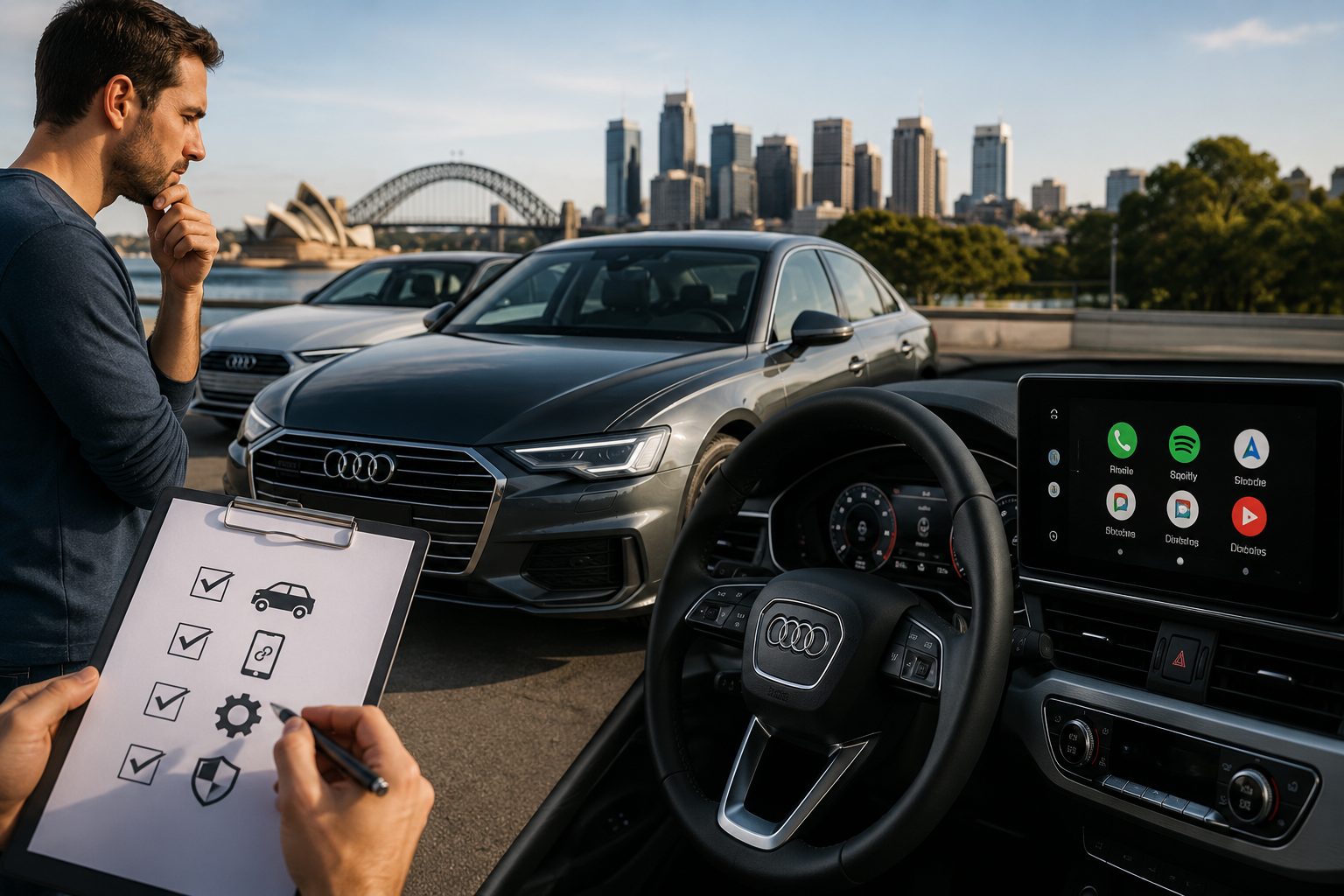
Buying an Audi is usually about more than the badge on the grille. For many Australian drivers, the real test begins the first time they connect their phone and see whether the cabin supports the daily routines that matter most, such as maps, calls, music, and messaging. If Android Auto is high on your list, it is worth checking some details before you sign anything, because not every Audi year, model, or trim gives you the same level of smartphone integration.
The good news is that Audi Australia supports the Audi smartphone interface on selected models, and the system syncs Apple CarPlay and Android Auto through the vehicle’s USB connection. Audi states that Android Auto works with Android 5.0 Lollipop or higher, and that supported features can be accessed through the MMI display. Android Auto’s own compatibility page also lists Audi models from 2016 and newer as supported, which gives buyers a useful starting point when checking used listings or comparing new stock.
Check the model year first
When shopping for a used Audi, model year is one of the fastest ways to narrow the field. In general, Audi models from 2016 onward are far more likely to support Android Auto through factory equipment, while older vehicles may need an aftermarket retrofit to add that function. This matters because a well-kept older Audi can still be a great car, but it may not give you the connected experience you want out of the box. If smartphone integration is non-negotiable, start your search with the year range first and the colour, trim, and wheel package second.
Confirm the infotainment system
The infotainment system matters just as much as the engine or service history. Audi’s smartphone interface works through the MMI system, and the connection is made through the USB port, which means the car needs the right hardware and software support, not just a Bluetooth pairing option. A test drive is the best time to confirm whether the screen recognises your phone properly and whether the menus let you launch navigation, calls, and music without lag or errors. If the dealer cannot demonstrate Android Auto in the car, treat that as a warning sign rather than assuming it will work later.
Ask about cable and connection type
Some Audi owners assume that Bluetooth alone will handle everything, but Android Auto is different. Audi explains that the smartphone interface uses a USB connection to bring phone features onto the MMI display, so you should check whether the car includes the proper USB port and whether the phone connection is stable. This is especially important in used vehicles, where previous owners may have changed accessories, removed parts, or installed aftermarket components that affect the system’s behaviour. A clean factory setup is usually easier to trust than a car with an unclear electronics history.
Compare factory support and retrofits
If you are looking at an older Audi, you may find factory support is not available, but retrofit solutions exist in the Australian market. That does not automatically make the car a poor buy, but it does mean you should budget for installation and verify that the upgrade is compatible with your exact model and MMI version. In some cases, a retrofit can be a practical solution that gives you a modern interface without forcing you to buy a newer vehicle. In other cases, it may be simpler to choose a newer car that already includes the feature from the factory.
Test the phone experience
A proper test should go beyond simply seeing the Android Auto logo appear. Connect your phone and check whether the system launches quickly, whether Google Maps displays clearly, and whether voice commands work without repeated prompts or disconnects. It is also sensible to test how the system handles switching between navigation and audio apps, because daily usability matters more than a feature list on paper. If the car also supports Audi CarPlay, that can be an added advantage for households with mixed phone types, since it makes the vehicle more flexible for future ownership or resale.
Review the listing carefully
Online listings can be vague, so read them with a critical eye. Words like "Bluetooth", "smartphone connectivity", or "media streaming" do not automatically mean full Android Auto support. Look specifically for Audi smartphone interface, MMI compatibility, USB connection details, and the model year if the seller mentions it. If the listing is unclear, ask for photos of the infotainment screen, the menu path, and the actual phone connection in action before you travel to inspect the car. That extra step can save time and prevent disappointment later.
Consider ownership value
An Audi with working Android Auto is often easier to live with day to day and may appeal to a broader range of buyers when it is time to sell. In practical terms, that means the feature can improve both convenience and resale appeal, especially for Australian drivers who rely heavily on navigation and smartphone apps for commuting. For buyers comparing two otherwise similar cars, the one with confirmed smartphone integration often feels more complete and more up to date. That is why the feature should be treated as a real decision point, not a nice extra.
For Australian buyers who want to make sure their Audi is ready for modern connectivity, Nevera Auto is a useful option to consider when exploring upgrades and compatibility solutions for factory or retrofit smartphone integration.

 English
 French
 Spanish
 Portuguese
 Deutsch
 Turkish
 Dutch
Dutch
 Italiano
 Russian
 Romaian
 Portuguese (Brazil)
 Greek
Greek