

If you've never set up satellite internet before, one of the first questions that comes up is whether beginners actually need a Starlink alignment tool at all, or if that's more of an advanced-user thing. It's a reasonable worry, especially when you're staring at a dish for the first time with no compass, no leveling gauge, and no clear sense of whether you're supposed to be pointing it at anything specific.
The good news for beginners is that no, you don't need one, at least not for a typical setup. Starlink dishes are designed to aim themselves using internal motors and an antenna that steers its signal electronically instead of mechanically. Most of the setup friction beginners run into doesn't come from aiming at all. It comes from where the dish is physically placed, and that's a decision experience helps with more than any tool does.
What actually happens when the dish "aligns" itself
Older satellite dishes had to be mechanically locked onto one exact point in the sky and stay there. Starlink is built differently, relying on a phased array antenna that electronically shifts its signal across a wide field of view instead of staying fixed on a single spot. That lets it track several satellites moving overhead at once instead of depending on just one. The round dish and the newer flat, high-performance versions also include small motors that tilt the unit into a rough starting position the moment it powers on.
During setup, the app has you place the dish somewhere with a reasonably open view of the sky, then it uses your phone's camera to scan for obstructions like trees, roof edges, or nearby buildings before finishing calibration automatically. As a beginner, you're not tilting anything manually or calculating angles. That part of the process is genuinely hands-off, and it's the same for every dish model.
Where beginners actually run into trouble
The confusion for first-timers usually comes from combining two separate things: the dish's automatic aiming, and the decision about where to physically put it. There are a few situations where extra help genuinely makes a difference, even for someone new to all of this.
If your setup location has a difficult horizon, like a yard boxed in by trees or buildings, or a spot sitting low in a valley, it helps to have a rough sense of which direction the satellites will mostly be concentrated in before you settle on a location. In the northern hemisphere, that generally means favoring a clear northern and overhead view, and it reverses south of the equator. A simple phone compass is usually enough here, no specialized tool required.
For anything semi-permanent, like mounting on an RV roof, a boat, or an off-grid cabin, some people use a basic inclinometer or angle-finder app just to confirm there's enough clearance before letting the dish run its own calibration. Beginners doing a one-time home setup rarely need this step at all.
And for setups where the sky view keeps shifting, tucked next to an awning, under patchy tree cover, or moved between spots often, a signal-strength or obstruction-mapping tool can help narrow down the right placement faster, though most beginners will simply use the app's built-in scan for this.
What the app already does for first-timers
It's worth knowing the official Starlink app is designed with beginners in mind. Its obstruction scan uses your phone's camera to map the sky above the dish before setup finishes, walking you through the process step by step, and once you're connected, it shows a live signal quality reading along with a record of any downtime. For nearly every first-time home or cabin setup, this built-in guidance is genuinely enough on its own.
Why understanding this distinction helps beginners specifically
Once a first-time user separates "aiming" from "placement," the whole setup process feels far less intimidating. Instead of researching specialized tools before even opening the box, the more useful first step is simply walking the planned setup area, looking straight overhead, and checking the horizon for anything tall nearby. That single habit prevents more beginner mistakes than any tool purchased in advance, since no gadget can compensate for a horizon that's genuinely blocked.
Does the dish model matter for a beginner's decision?
Not really. The standard round dish, the rectangular high-performance version, and the newer flat panels all rely on the same phased array steering and the same automatic obstruction scanning through the app. The high-performance model has a slightly wider field of view and handles marginal conditions, like light snow or a partially blocked horizon, a bit better, but a beginner following the same basic process will get similar results regardless of which model they own.
Renting is often the easiest way to start
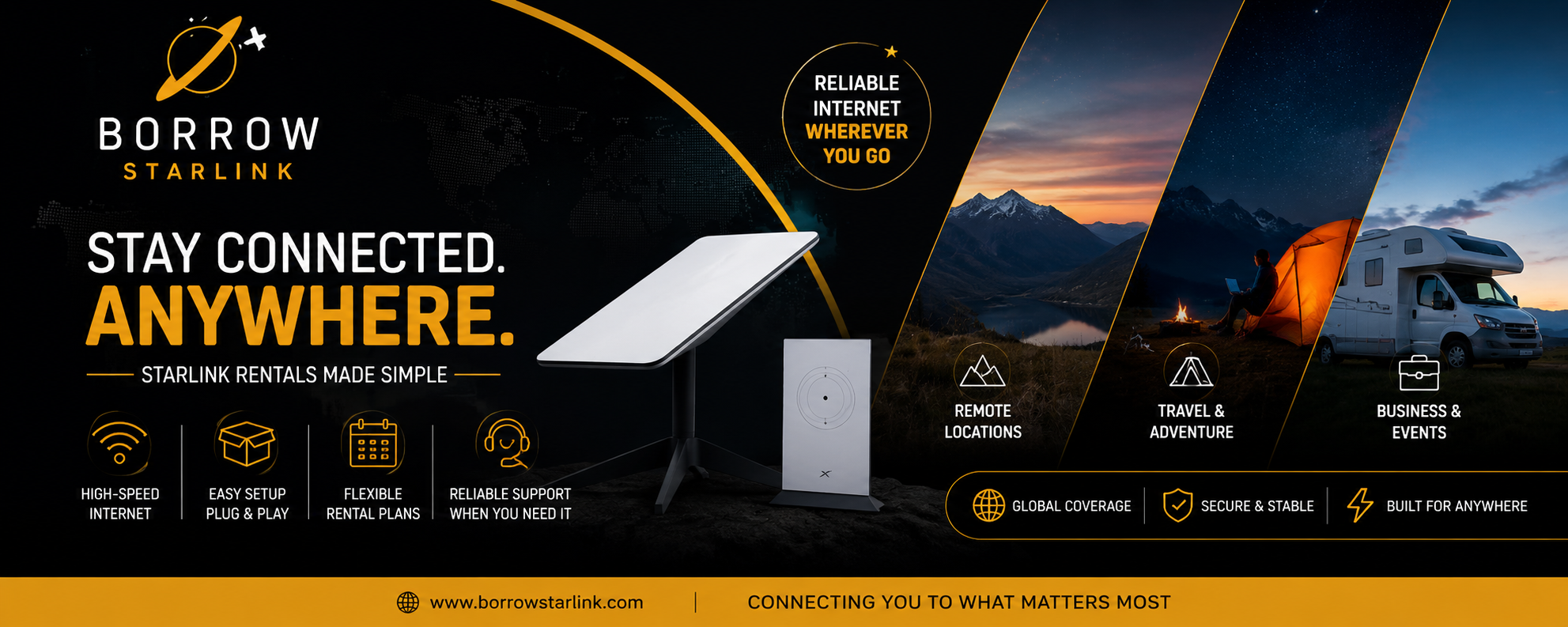
If you're a beginner renting Starlink equipment rather than buying it outright, a lot of this gets simplified even further. Most rental providers walk first-time users through ideal placement step by step, and many will help troubleshoot over the phone if the location turns out to be tricky. That's often the smoothest way to learn the process without needing to research anything on your own beforehand.
Simple habits that help beginners more than any tool
- Choose the most open sky view available; even one tall tree or roofline can cause repeated dropouts.
- Favor a clear northern and overhead view in the northern hemisphere, and the opposite south of the equator.
- Raise the dish above fences, vehicles, or low rooflines whenever possible; height solves more problems than positioning tweaks.
- Run the obstruction scan at the time of day you'll actually be using the internet most.
- If dropouts happen even after the app says the area is clear, try moving the dish a few feet before assuming something is wrong.
Bottom line
Beginners genuinely don't need a Starlink alignment tool for a standard setup, since the dish's own motors and the app's obstruction scanning already handle the technical side of aiming. Where a tool might eventually help is later on, once you're dealing with a difficult location or troubleshooting a spot that keeps underperforming despite the app calling it clear. For a first-time setup, especially a rented one, leaning on built-in app guidance and provider support will get you online far faster than researching extra gear.

 English
 French
 Spanish
 Portuguese
 Deutsch
 Turkish
 Dutch
Dutch
 Italiano
 Russian
 Romaian
 Portuguese (Brazil)
 Greek
Greek