

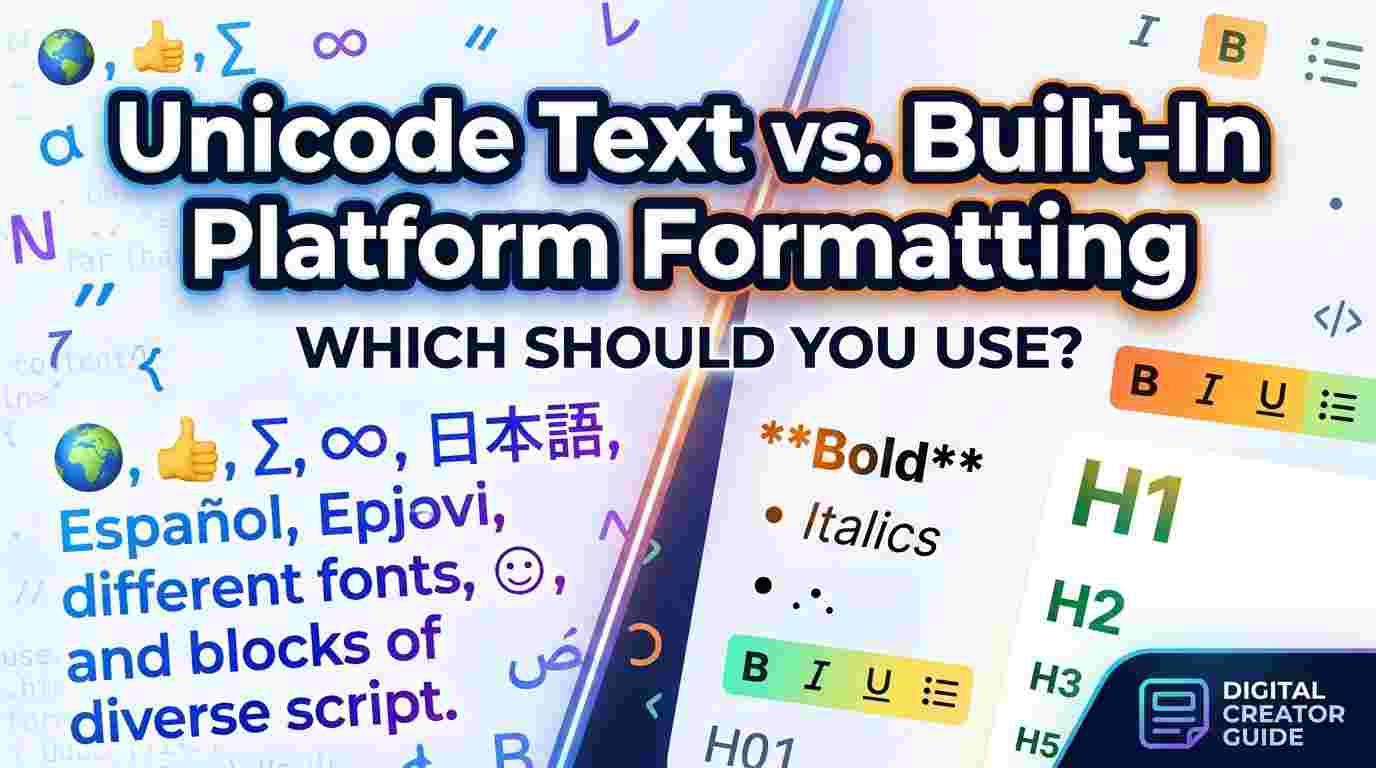
You have probably seen it on Instagram, X, or TikTok: a bio written in flowing script, bold gothic lettering, or tiny superscript characters that look nothing like the default typeface. Many people assume these are special fonts, but the reality is more interesting. Behind most stylized social media text sits a character encoding standard that has quietly reshaped how we express ourselves online.
This guide explains how that styling works, why it behaves differently across platforms, and how to use it without hurting readability or accessibility.
Why Default Fonts Limit Self-Expression
Most social platforms lock users into a single typeface. You cannot pick a font for your Instagram bio, change the typeface of a tweet, or restyle a TikTok username through any built-in setting. That uniformity keeps interfaces consistent, but it also leaves creators looking for ways to stand out in a crowded feed.
Since platforms rarely offer native formatting, people turned to a clever workaround: swapping ordinary letters for visually distinct characters that already exist in the text encoding system.
Fonts vs. Characters: The Distinction That Matters
Many people use the words “font” and “text style” interchangeably, but they are different things.
- A font is a design file installed on a device or loaded by a website. It controls how standard characters are drawn.
- A character is a unit of text with its own identity in an encoding standard. Different characters can look like stylized versions of letters.
When you see bold script in a bio, you are usually looking at entirely different characters, not a font applied to normal letters. That is why the styling survives copy and paste across apps that would otherwise strip formatting.
How Unicode Makes It Possible
The Unicode Standard assigns a unique code point to each character across the world’s writing systems, along with symbols, punctuation, and emoji. Its enormous repertoire includes a block called Mathematical Alphanumeric Symbols, originally designed for mathematical notation, where variants of the Latin alphabet appear in bold, italic, script, fraktur, double-struck, and monospace forms.
Because these characters are part of the standard, nearly every modern phone, browser, and operating system can display them without extra software. Creative users noticed that these mathematical letters look like decorative fonts, and a whole aesthetic subculture grew from that observation.
Common styles built from Unicode characters include:
- Script and calligraphic letters for an elegant, handwritten feel
- Fraktur or blackletter for a gothic or medieval look
- Double-struck letters for a clean, outlined appearance
- Small caps and superscripts for a minimalist, understated vibe
- Circled and squared letters for a playful, icon-like effect
Tools That Convert Plain Text Into Styled Text
Typing these characters by hand would be impractical, since you would have to search for each code point individually. This is why converter tools exist. A Fancy Text Generator lets you type a normal phrase and instantly see it rendered in dozens of Unicode-based styles, ready to copy and paste into a bio, caption, or username field.
The process is usually straightforward:
- Type or paste your plain text into the input box.
- Browse the styled variations that appear.
- Copy your favorite and paste it where you need it.
Handwriting-inspired lettering is among the most popular choices, particularly for personal branding, wedding stationery mockups, and lifestyle blogs. A dedicated Cursive Text Generator focuses specifically on flowing script variants, which tend to look softer and more personal than angular or blocky alternatives.
Where Stylized Text Works Well
Used thoughtfully, decorative lettering adds personality in small doses. It works best in:
- Social media bios, where a short styled headline can draw attention
- Display names and usernames, within the platform’s character rules
- Captions and post headers, to separate a title from body text
- Chat nicknames and gaming profiles, where expressive identity is part of the culture
- Design drafts and mood boards, for quick visual experiments
Accessibility and Readability Concerns
Stylized text comes with real trade-offs that every creator should understand.
Screen Readers May Struggle
Assistive technology often reads Unicode decorative characters by their formal names rather than as ordinary letters. A word in mathematical script might be announced as a string of “mathematical script capital” characters, which is confusing and tiring for people who rely on audio output. For anything essential, such as contact details, calls to action, or important announcements, plain text is the more inclusive choice.
Search and Discoverability Suffer
Search engines and in-app search systems generally match plain letters. If your name or keyword appears only in a decorative style, it may not be indexed the way you expect. Keep your searchable terms in standard characters and reserve stylization for accents.
Rendering Varies Across Devices
Older devices or less common apps may lack glyphs for certain characters, showing empty boxes instead. Test your styled text on more than one device before committing it to a profile you care about.
Best Practices for Tasteful Typography
A few habits keep decorative text attractive instead of messy:
- Use it sparingly. One styled line in a bio reads as intentional; an entire paragraph becomes hard to scan.
- Limit yourself to one or two styles. Mixing five looks in a single profile feels chaotic.
- Prioritize contrast and legibility. Thin script on a busy background can disappear.
- Keep key information in plain text. Names, links, and instructions should remain accessible and searchable.
- Match the style to your tone. Elegant script suits a wedding photographer, while blackletter fits a tattoo artist or music project.
A Brief Look at Why This Trend Persists
Typography has always carried emotional weight. Print designers have long understood that letterforms shape how a message feels before a single word is read. Stylized Unicode text brings a small piece of that design thinking to everyday users who have no access to professional design software. It is a form of grassroots typography, shaped by communities experimenting with the tools already available to them.
As platforms evolve, native formatting options may eventually reduce the need for workarounds. Until then, Unicode styling remains a creative, lightweight, and accessible way to personalize a digital presence, provided it is used with care.
Key Takeaways
- Most “fancy fonts” online are actually Unicode characters, not true fonts.
- They travel well through copy and paste because they are standard characters.
- Screen readers, search tools, and older devices may handle them poorly.
- Moderation and clear contrast keep stylized text readable and polished.
- Essential information should always stay in plain, accessible text.
Digital typography is no longer limited to designers. With a basic understanding of how character encoding works, anyone can shape a more distinctive online identity while still respecting readability and accessibility.

 English
 Arabic
 French
 Spanish
 Portuguese
 Deutsch
 Turkish
 Dutch
Dutch
 Russian
 Romaian
 Portuguese (Brazil)
 Greek
Greek