


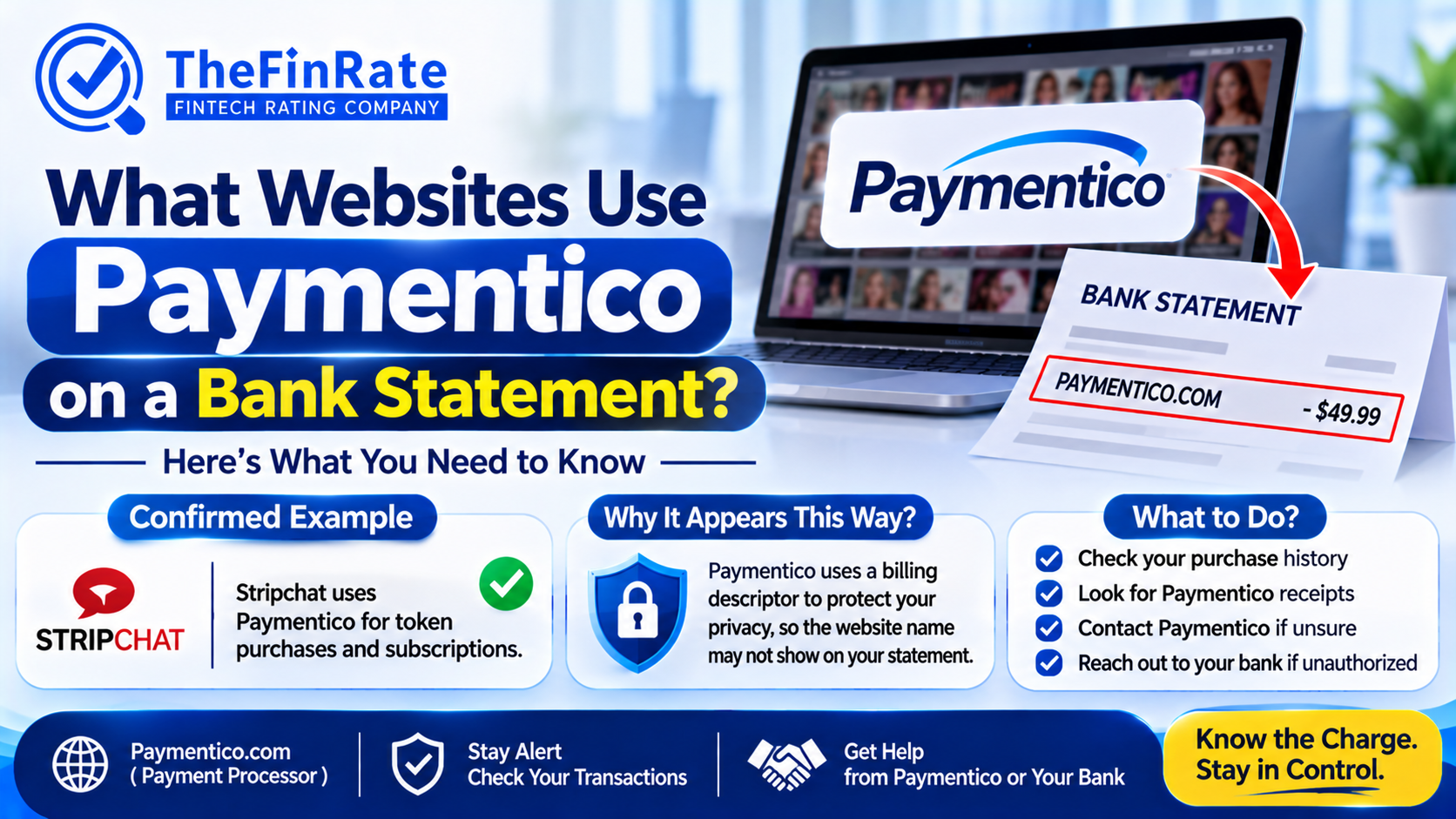
What Websites Use Paymentico on a Bank Statement?
A charge that shows up as paymentico on your bank statement means you paid an adult or live entertainment website that uses this company to take card payments. The statement won’t say which site. That is deliberate, and it’s the reason most people end up searching for it.
The company behind the label is a Cyprus-based payment processor that markets itself as a Universal Payment Gateway. A third-party charge directory lists Technius Ltd as the owner. It doesn’t sell anything to you directly. It sits between your card and the website, so your bank only sees the processor’s name.
What websites use Paymentico?
Nobody publishes a client list, so a tidy list of site names doesn’t exist. What the available sources agree on is the category: third-party live entertainment and adult sites, billed for tokens, tips, memberships and subscriptions. The processor hides the site name from the statement to protect customer privacy.
That’s also why I’d distrust any page that names one specific website as “the” site behind this charge. Those claims usually trace back to a single person’s statement, and the same processor bills many merchants. Your own receipt is the only reliable answer for your own charge.
What the charge looks like
The most common descriptor is UPG*PAYMENTICO.COM. Directory entries also list versions with no asterisk or no dots, and one that includes Limassol and the country code CYP, which points to the Cypriot address.
Amounts depend on the website, not the processor. Public reports mention $9.99, $19.99, $20.99 and $49.99.
Free trials that convert into paid plans are a frequent source of surprise, because the first full fee lands under the processor’s name on the day the trial ends. Some people also see small pending holds when they sign up or update a card. Those normally drop off within a few days.
Not every report is harmless. A cancellation service that collects customer complaints lists refunds issued as site tokens instead of money, and charges that continued after an account was blocked. These are anecdotes with no stated sample size, so use them as a reason to check your own charge rather than as proof of a pattern.
How to find out which site charged you
- Start with your inbox, spam folder included. Receipts come from help@paymentico.com and normally name the website and what you bought. If you share an email account or a card with someone, check there too.
- No receipt? Contact the billing help center the company runs for customers. Have the date and amount ready, plus one of these: your username on the site, a transaction number, or the first six and last four digits of the card.
- Support can usually tell you which site billed you and whether the charge was one-off or recurring. Confirm the current contact details on the company’s own site before you send anything.
- Your bank is the other route. Call the number on the back of the card and ask for the full merchant details behind the charge, since banks can often see more than the statement line shows.
- To stop future billing, cancel through the same support channel. A paid membership usually stays active until the end of the current cycle, and renewals should stop after that.
- If you never authorized the charge, dispute it with your bank and ask for a replacement card, because the number may be exposed. For US credit cards you generally have about 60 days from the statement date under the Fair Credit Billing Act. Other countries set different windows, so check yours.
FAQ
- Is this charge a scam?
The processor is a real payment company, so the label alone doesn’t signal fraud. Whether you approved the purchase is a separate question. If you didn’t, dispute it with your bank.
- Why doesn’t my statement show the website name?
The processor leaves it off on purpose for privacy. Only the processor’s descriptor reaches your bank.
- Can I get a refund?
The website sets its own terms. Ask the site and the billing help center first, and keep copies of every message. If that goes nowhere, your bank’s dispute process is the next step.
- I paid for tokens and got nothing. Who do I contact?
Wait up to 30 minutes, since delivery can lag. After that, contact the website about delivery, then the billing help center if you need proof of the payment.
Search your inbox for that help address today. The receipt will name the site, and that one answer settles most of this. If nothing turns up and you don’t recognize the charge, call your bank well before your dispute window closes.
Note: If you require specific details, provider comparisons, or insights that are not currently included in this overview, we are happy to accommodate your request. Please let us know your exact needs, and we will ensure the content is updated accordingly.
About Us:
TheFinRate is a B2B fintech information platform featuring payment provider reviews, comparisons, directories, industry guides, and educational resources. It helps online merchants, eCommerce businesses, SaaS companies, fintech startups, and payment professionals compare providers and make informed payment decisions.
Contact Us:
TheFinRate
Website: https://thefinrate.com/

 English
 Arabic
 French
 Spanish
 Portuguese
 Deutsch
 Turkish
 Dutch
 Russian
 Romaian
 Portuguese (Brazil)
 Greek