

Golf has gone digital faster than most sports. Golfers now expect GPS rangefinders, digital scorecards, tee-time booking, and league tools on their phones, and a club without an app feels behind. That demand has pushed more clubs, coaches, and startups to build their own products.
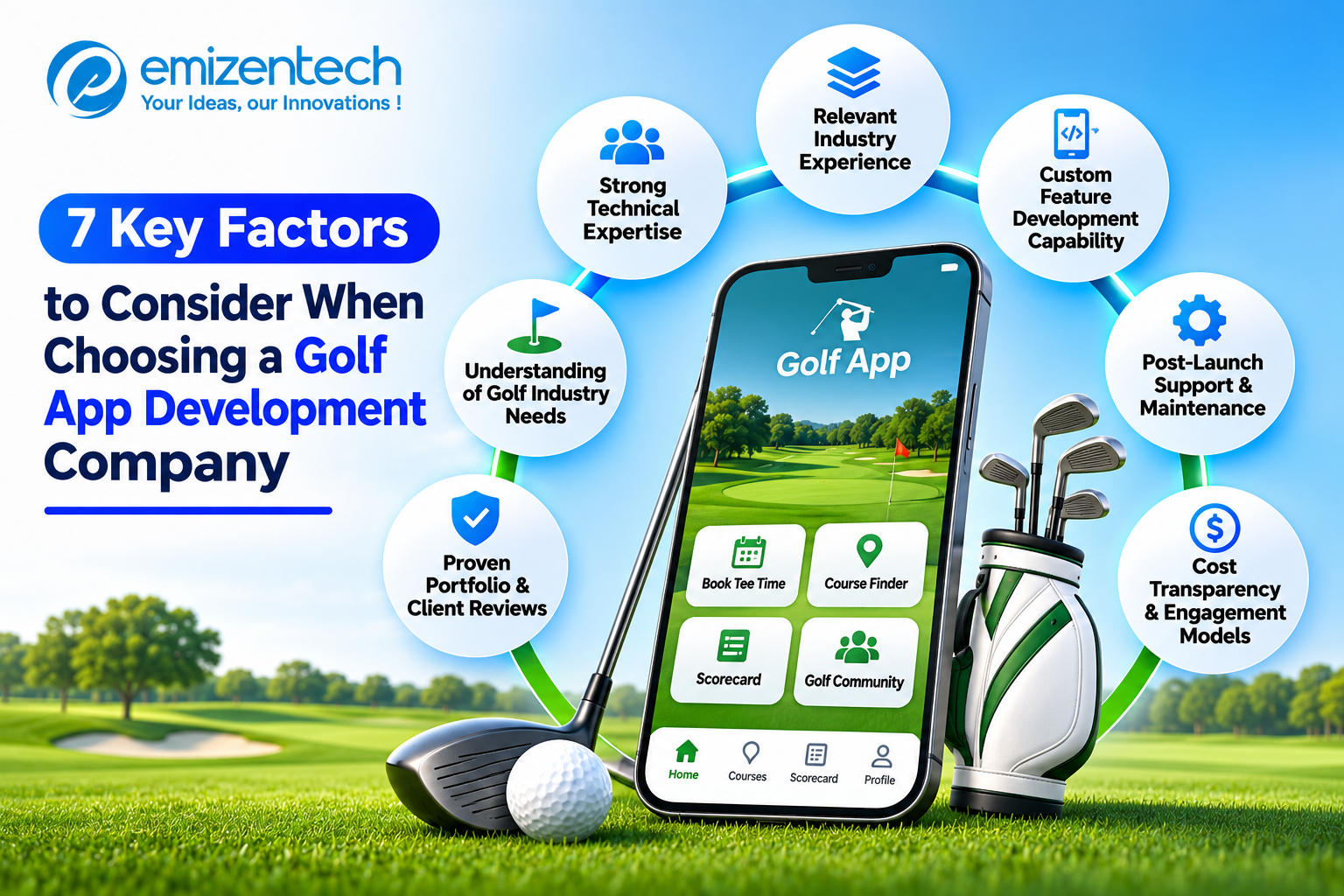
The catch is that the wrong development partner can drain your budget, miss every deadline, and hand you an app that golfers delete after a single round. The right partner understands both code and the course. Below are seven factors that separate a capable partner from an average one, followed by common hiring mistakes and a few practical answers.
Proven Golf App Experience
A golf app is not a generic mobile app with a green theme. It deals with live location, weak networks, and users who are in the middle of a game and have no patience for a clumsy screen. That is why golf app development services work best when they come from a team that has already shipped GPS, scoring, booking, or league apps, since it will make fewer costly mistakes on your project.
Ask a direct question: “Can you show a live golf app you built?” A live App Store or Google Play listing tells you more than any slide deck.
GPS and Course Mapping Expertise
Distances are the main reason golfers open an app on the course. If a yardage is off by ten yards, they stop trusting it. Accurate hole layouts, hazards, and green positions depend on solid mapping work and reliable course data.
Ask where the course data comes from, such as licensed databases or mapping tools like Mapbox and Google Maps. Also ask how the team protects location accuracy and battery life, since four hours of GPS tracking can drain a phone quickly.
Wearable and Device Integration
Golfers do not want to pull out a phone before every shot. Glanceable distances on the wrist or a reading from a swing sensor keep the round moving. That makes wearable support a real requirement rather than a bonus feature.
Look for experience with Apple Watch, Garmin, and Wear OS, plus companion apps and device syncing. A look at how the Galaxy Wearable app handles pairing and settings shows the kind of smooth syncing golfers expect. Ask how the team tests syncing across devices.
Offline Functionality
Plenty of courses have weak signal, especially on the far holes. An app that freezes without data fails exactly when golfers need it most. Dependable offline behavior is a sign of a mature build.
Offline scoring, cached maps, and automatic sync once the connection returns should be part of the architecture from day one. Adding them later usually means reworking core parts of the app, which costs more and delays the launch.
Real-Time Features and Scalability
Live leaderboards, tournament updates, and multiplayer scoring turn a simple app into a shared experience. They also create heavy traffic in short windows, such as weekends and event days.
Ask about cloud infrastructure, how the backend scales, and whether the team runs load testing before release. It also helps to ask if they have worked with tools such as Firebase for live data and Stripe for payments.
On-Course UX and Design
Golf is played outdoors, often with a club in one hand. Screens pick up glare, gloves get in the way, and attention is limited. Good design accepts these limits instead of ignoring them.
Look for one-handed navigation, readable contrast in sunlight, large tap targets, and minimal steps per action, such as entering a score in two taps. Ask whether the team tests designs with real golfers on a course, not only in an office.
Post-Launch Support and Transparent Pricing
Launch day is where the real work begins. OS updates, store rules, and bug reports keep arriving, so support terms matter as much as the build itself. Clear pricing also protects you from unpleasant surprises later.
Confirm what maintenance covers, including bug fixes, OS updates, and store compliance. Ask for clear timelines, milestone-based payments, and full source code ownership. Watch for hidden costs such as third-party licenses, map data fees, and charges for small changes.
Common Mistakes to Avoid When Hiring
Most hiring problems show up early if you know where to look. Spotting them before signing saves months of rework and a good deal of money.
- No golf portfolio or case studies: general app experience does not prove the team can handle GPS or live scoring.
- Vague estimates and no discovery phase: a number without a scoping stage usually grows later.
- No testing or QA process: bugs found by golfers on the course damage ratings quickly.
- No ownership of code or design files: without them, switching partners later becomes difficult.
Conclusion
The seven factors come down to this: proven golf experience, accurate GPS, wearable support, offline reliability, real-time performance, usable design, and honest post-launch terms. Pick a partner who understands golfers, not just code. EmizenTech has worked on golf products such as a golf society management app, so these course-side challenges are familiar ground for the team. To discuss your idea, request a free consultation or a project estimate.
FAQs
1. How long does it take to build a golf app?
A focused first version with GPS and scoring usually takes a few months. Wearables, live leaderboards, and booking add to the timeline.
2. What affects the cost of a golf app?
Features, platforms, and integrations drive the price. A scoring-only app costs far less than one with GPS, wearables, and payments, so ask for a feature-wise breakdown.
3. Should a golf app be native or cross-platform?
Cross-platform tools like Flutter cover iOS and Android from one codebase and suit most golf apps. Native builds make more sense when the app relies on deep watch or sensor features.
4. Where does course map data come from?
Teams usually license course databases or build on Mapbox or Google Maps. Licensed data supplies hole layouts and hazards, while map tools handle display and location.
5. Can a golf app work without internet on the course?
Yes, if offline support is planned early. Scores and cached maps stay on the device and sync once the signal returns.

 English
 French
 Spanish
 Portuguese
 Deutsch
 Turkish
 Dutch
 Italiano
 Russian
 Romaian
 Portuguese (Brazil)
 Greek